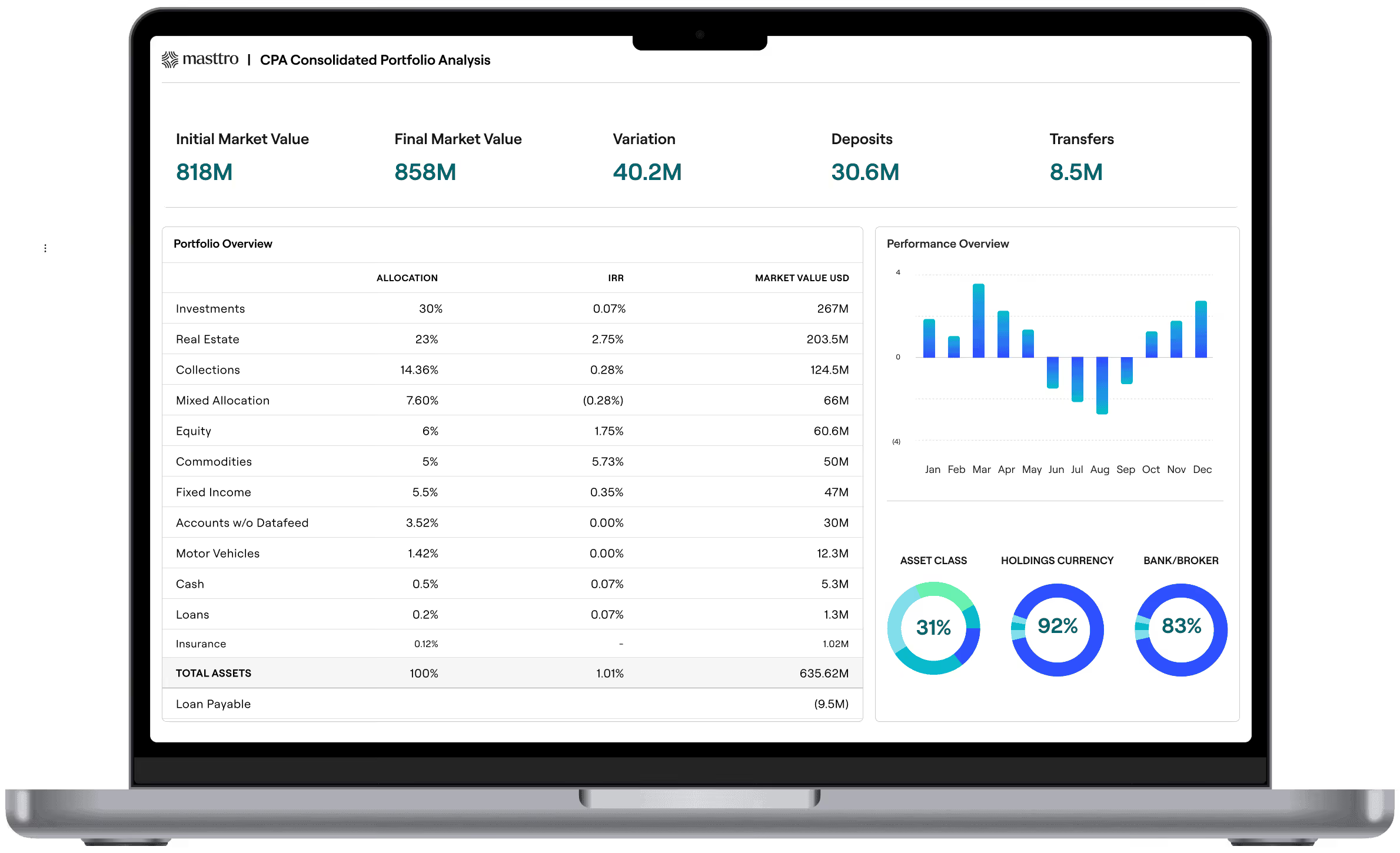
You choose the AI, Masttro remains the foundation
Masttro MCP gives compatible AI applications and agents a standard, permissioned way to access selected Masttro data: holdings, transactions, performance, and the entity and ownership structures that explain who owns what. Read-only, scoped to each user's existing permissions, and switched on by your Super Admin.
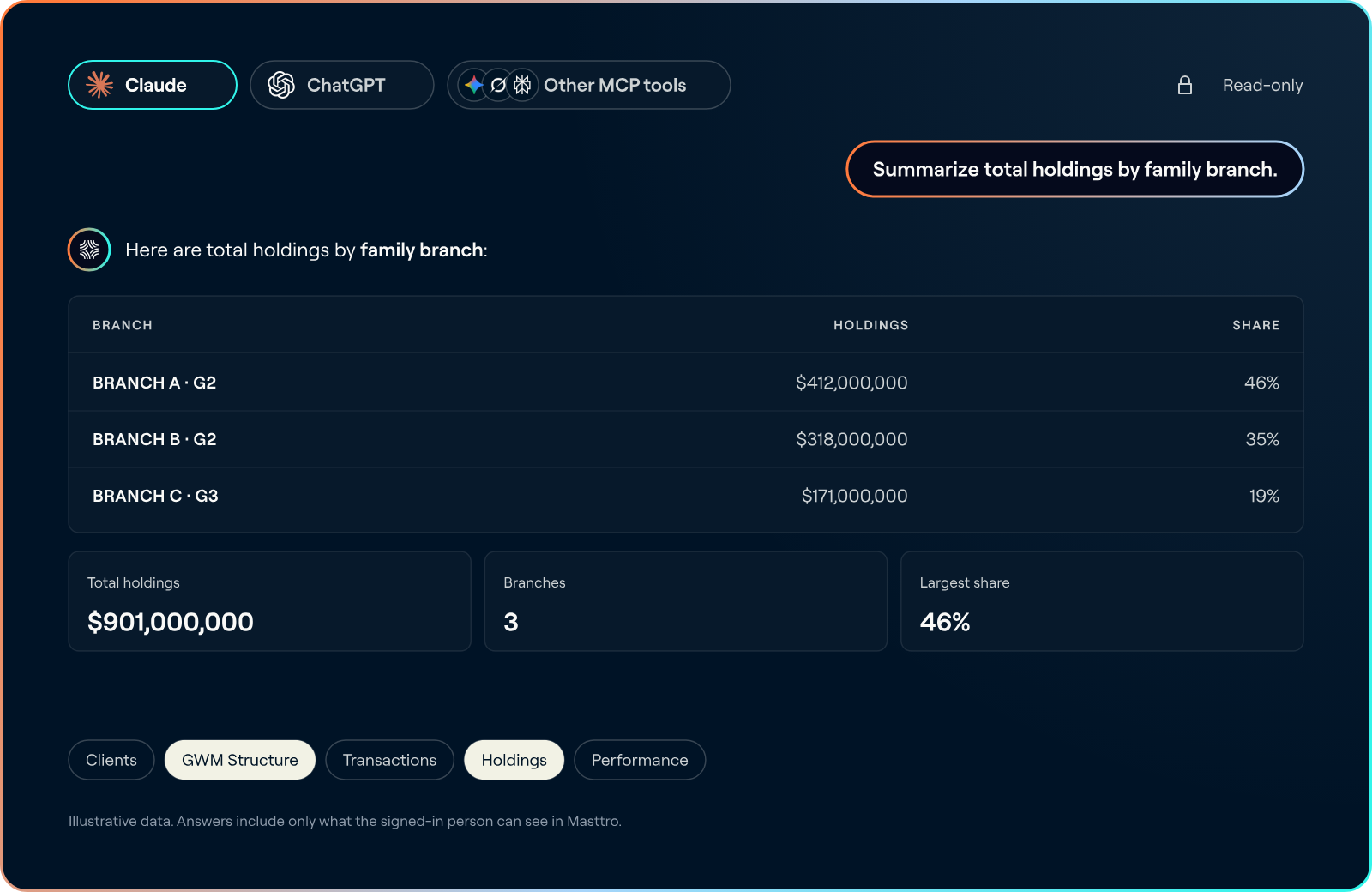

An AI tool is only as good as the data behind it
AI models will keep changing. Your wealth data should not have to move every time they do. Masttro keeps one reconciled record of holdings, transactions, performance, and the entity structures behind them. Masttro MCP lets the AI tool you choose work from that record, through an open standard, with your permissions intact.
Every request runs as the user, with their existing Masttro permissions
Your Super Admin decides who can connect and can revoke access at any time
Read-only, so no external AI model can change a Masttro record
You choose the AI, Masttro remains the foundation
Ask in plain language. The data comes from Masttro
Masttro MCP gives compatible AI tools read-only access to five categories of Masttro data: Clients, GWM Structure, Transactions, Holdings and Performance. Answers draw on the same reconciled data your team sees in Masttro. Your AI tool does the summarizing and analysis.
Use case
Try asking
Cash flow forecasts
How much uncalled commitment do I have across my private funds, and how much has been called this year?
Ownership and structure
Which of our entities hold assets outside the US, and what share does each trust own?
Performance retrieval
Rank my private equity funds by IRR. Which ones are dragging the portfolio?
Transactions review
Show every transaction over $250K in the last 90 days across all accounts. Flag anything unusual.
Portfolio summary
Explain our portfolio holdings and overall strategy to my 24-year-old in one page, no jargon.
Use case
Try asking
On-demand reporting
Pull every transaction posted in the last 30 days. Group by custodian and flag anything that looks miscategorized, duplicated, or missing a counterpart.
Meeting preparation
The principal will ask how we did this quarter. Give me the three-sentence answer, the one-page backup, and the question they’ll ask next.
Cash flow forecasts
Build a capital call and distribution calendar for the next two quarters from our closed-end funds
Performance comparison
Rank our custodians and managers by three-year TWR. Which relationships should we review this year?
Summarry and analysis
Summarize this household's structure, holdings and recent activity before our review.
The family office AI prompt library holds more than 50 copy-ready questions on net worth, performance, cash, alternatives and individual asset classes.
Explore the prompt library
Read-only means read-only
Every request runs as the user, with their existing Masttro permissions. No external AI model can create, edit or delete a Masttro record.
An important consideration for firms: Masttro governs access at the Masttro boundary. Once data reaches an external AI tool, it leaves Masttro's security perimeter and that provider's security, privacy, retention and training policies apply, so review and configure any tool before you connect it.
Read-only access
Existing Masttro permissions apply
Super Admin approval per person
Turn off access at any time
Controls at the point of access
ISO/IEC 27001:2022 certified within Masttro
Setup
Connected in three steps
Walk through the real setup in the demo below: switch on access, connect your AI tool and ask your first question.
Step 1
Enable
Your Super Admin enables MCP access for selected people.
Step 2
Connect
Each person connects a compatible AI tool and signs in with their Masttro credentials.
Step 3
Ask
Masttro returns only the data that person is permitted to see.
One source of truth, and three ways to put it to work
Masttro Intelligence
AI applied to your complete wealth picture, including documents, alternatives detail and the full estate, inside Masttro's secure environment.
Explore Masttro Intelligence →
New
Masttro MCP
Read-only access to selected Masttro data from compatible external AI tools. Best for combining Masttro data with other systems.
See what you can ask →
Masttro API
Programmatic access to defined Masttro services and data endpoints, for developers building integrations.
Explore Developer Portal →
Masttro Developer Portal
Building on Masttro? Start in the Developer Portal
Documentation, API reference and setup guides for Masttro MCP and the Masttro API, in one place for your engineering team.
Sign in with your Masttro credentials when your AI tool asks. Full setup steps are in the Developer Portal.
See Masttro MCP in action
Book a demo to see Masttro MCP connected to an AI tool, and why more than 400 family offices in 40+ countries choose Masttro.
Masttro MCP and API access with no additional Masttro charge
750+ direct custodian feeds, with no third-party aggregators
Entities, trusts and ownership structures in one system, so your AI tool works from who owns what
Fixed pricing, not AUM-based, so growth does not raise your platform costs